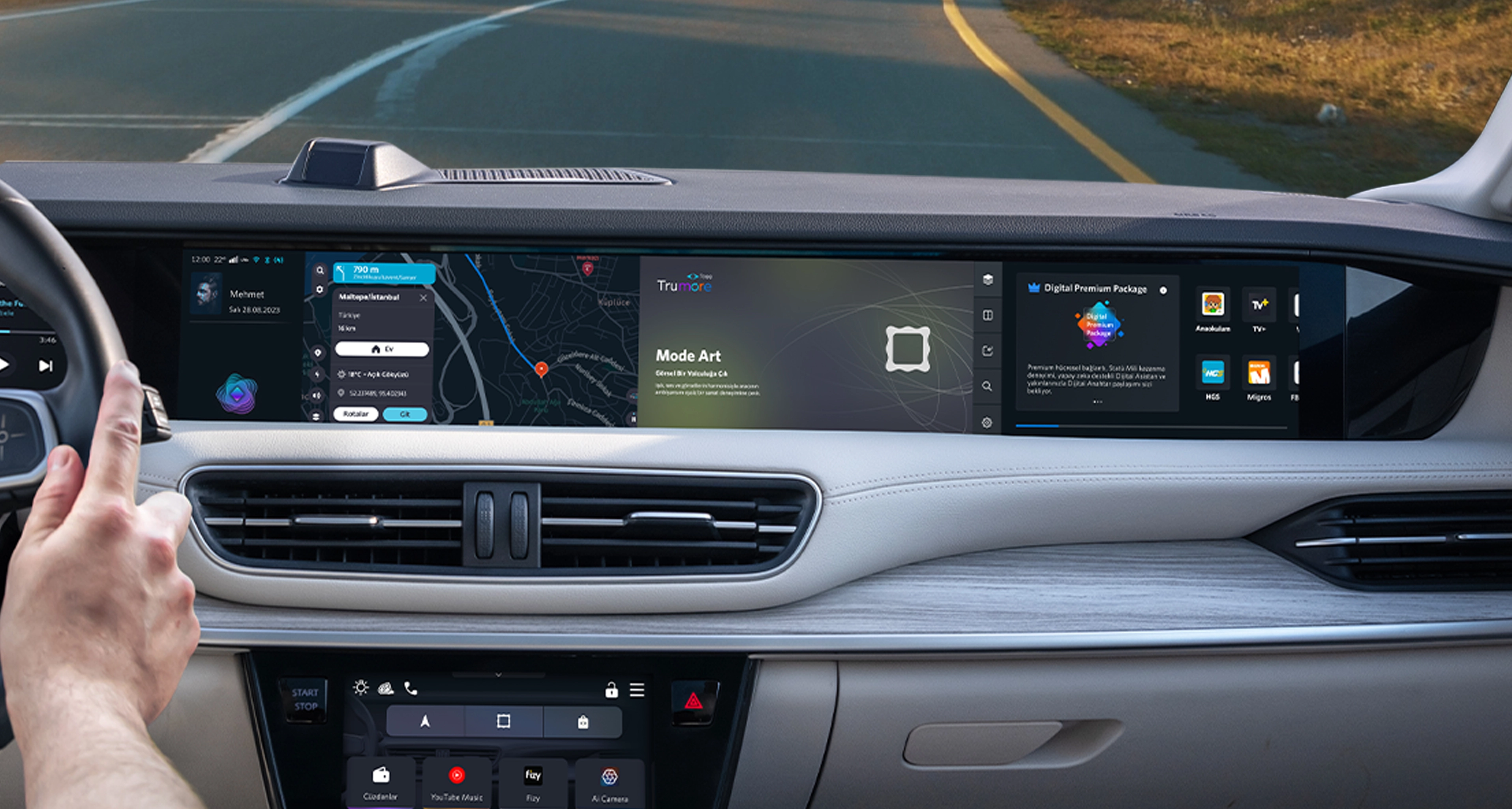
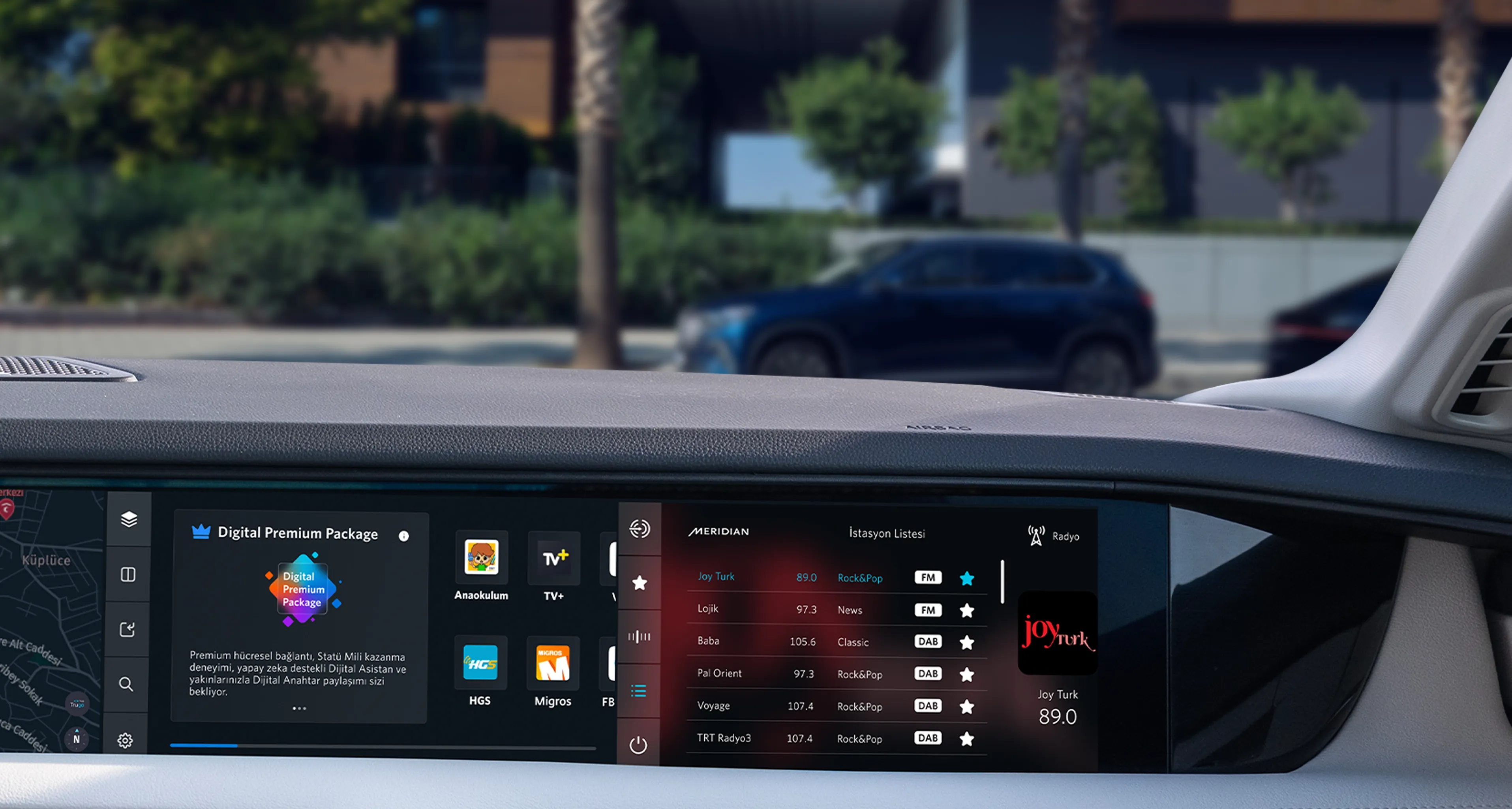
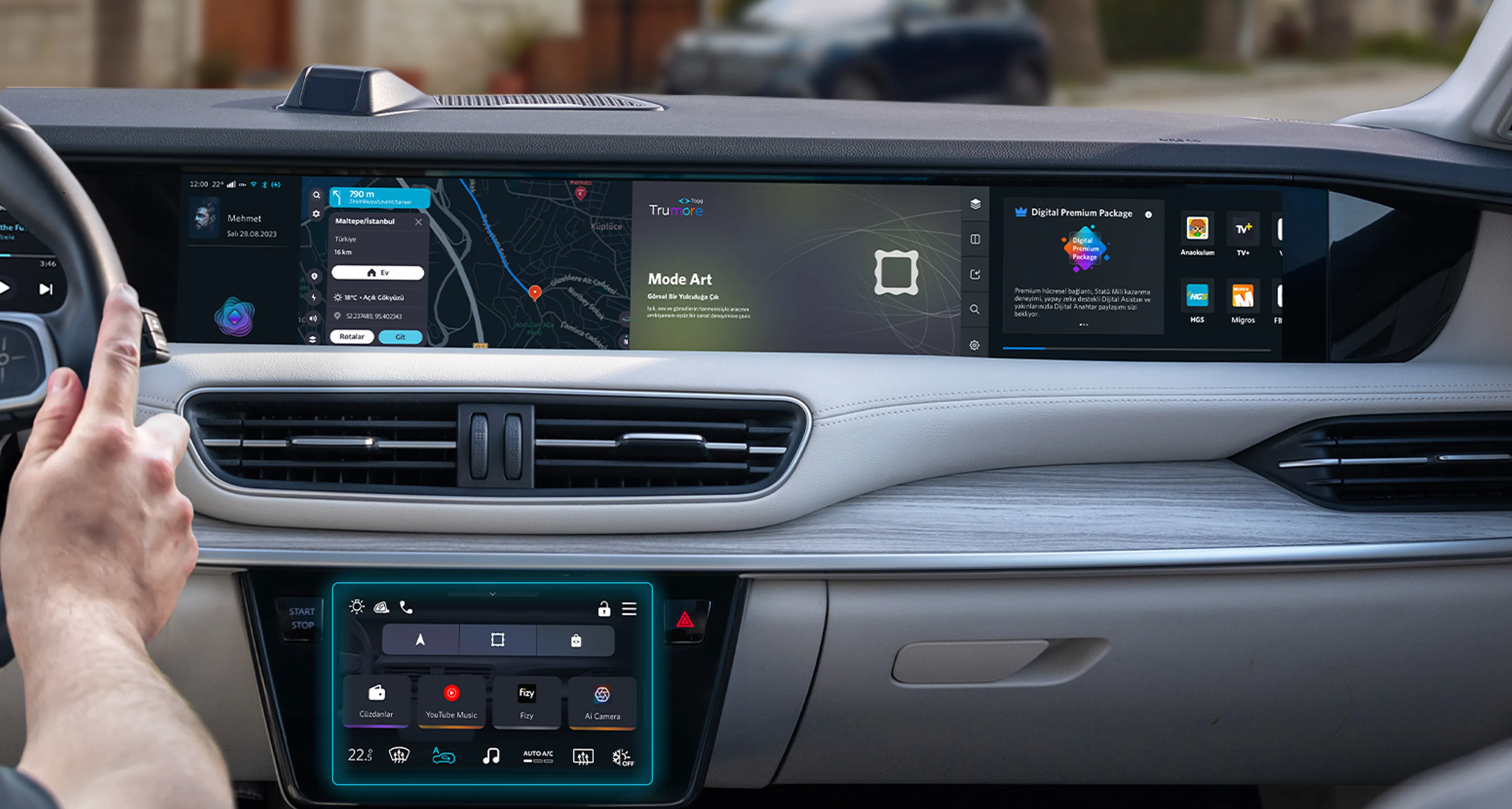
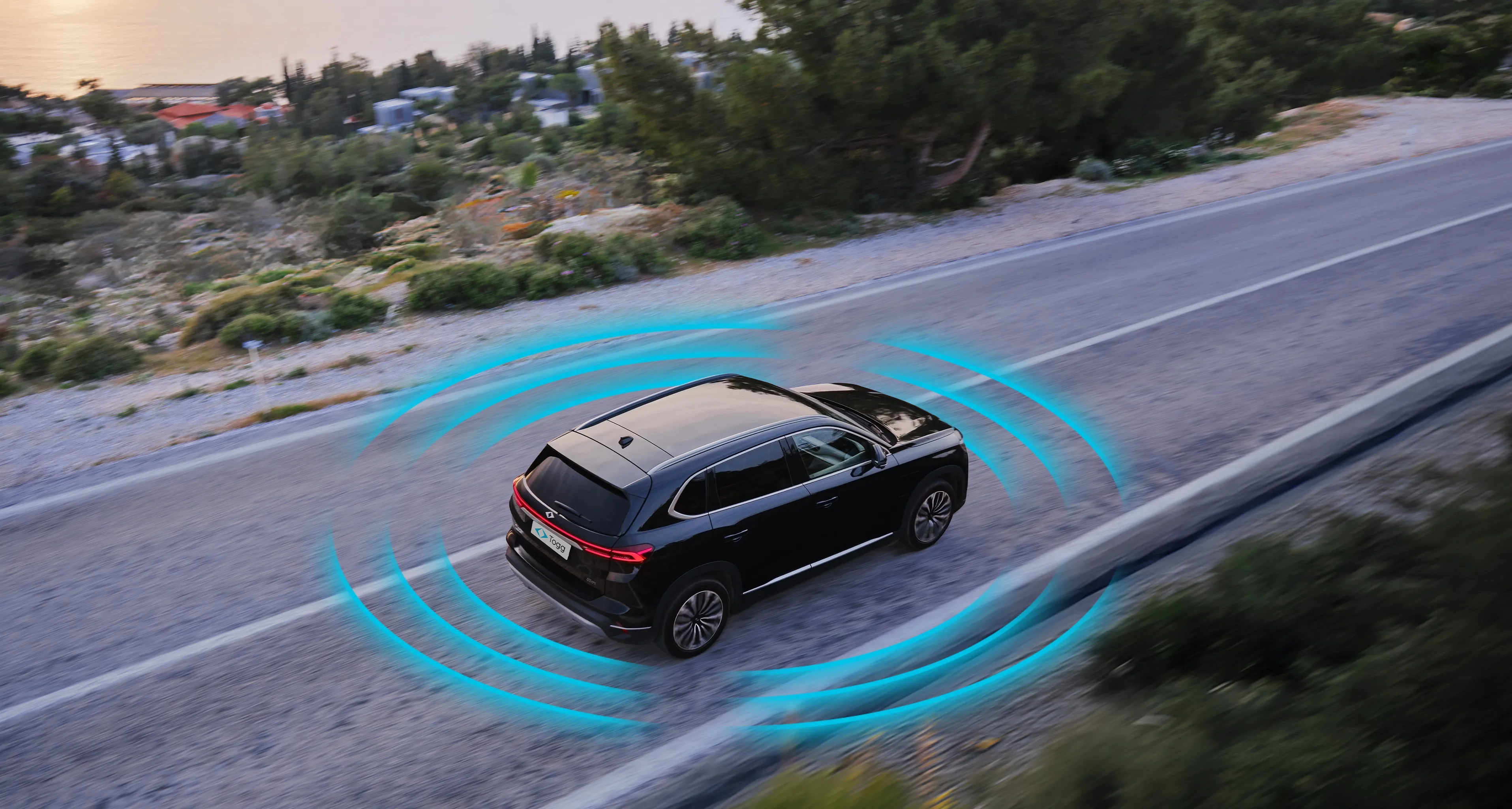
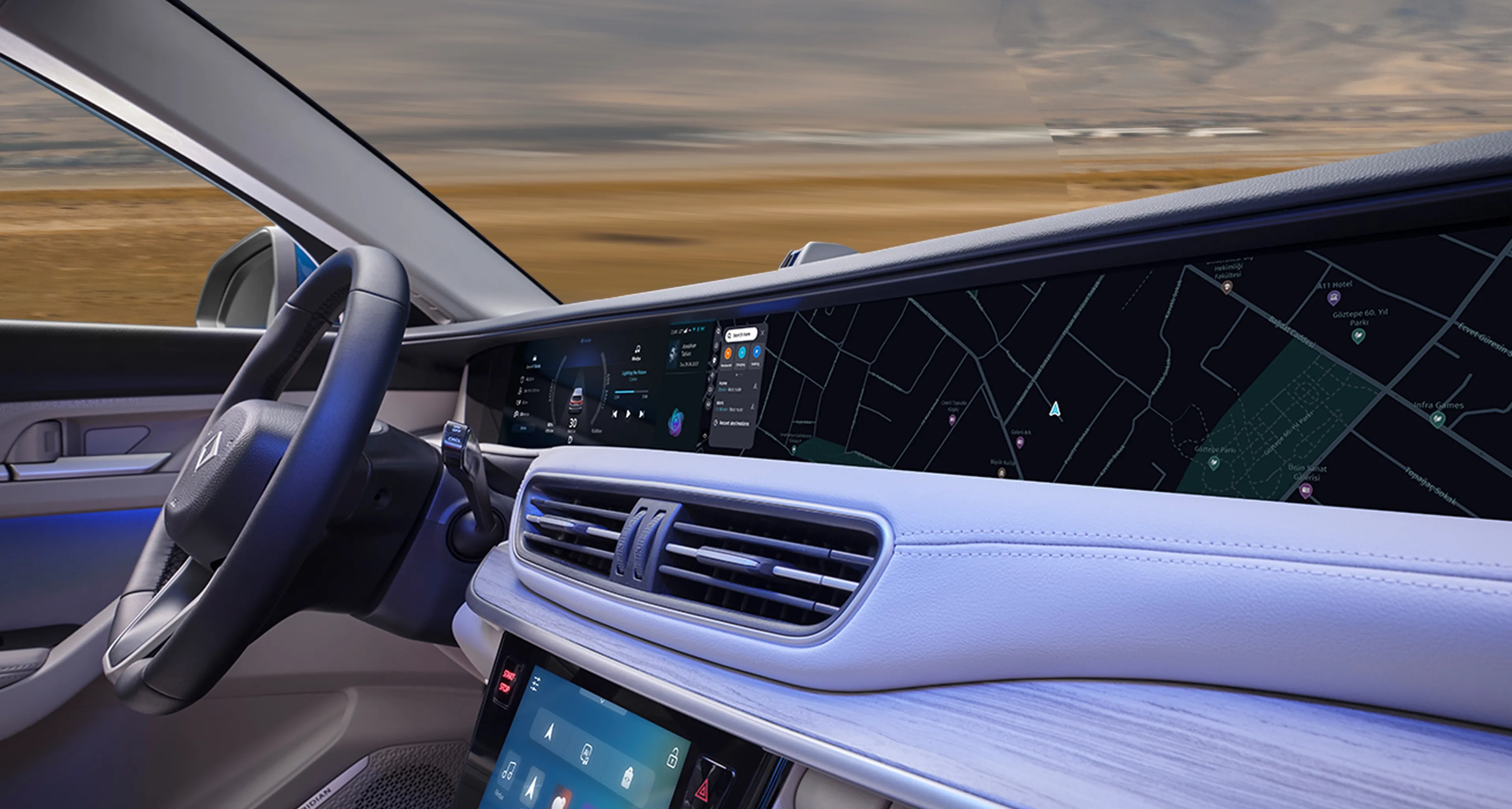
With the TruOS update, even more technology, safety, and comfort await you. This update includes critical performance and user experience improvements for your smart device’s infotainment system, applications, display, and audio experience.
Faster and More Responsive Infotainment System
The improved infotainment system now provides a faster and more responsive experience, delivering smoother usage.
Driver Fatigue Detection and Facial Recognition Performance Improvements
By monitoring your attention and fatigue levels, the system provides warnings when necessary and reminds you to stay focused on the road.
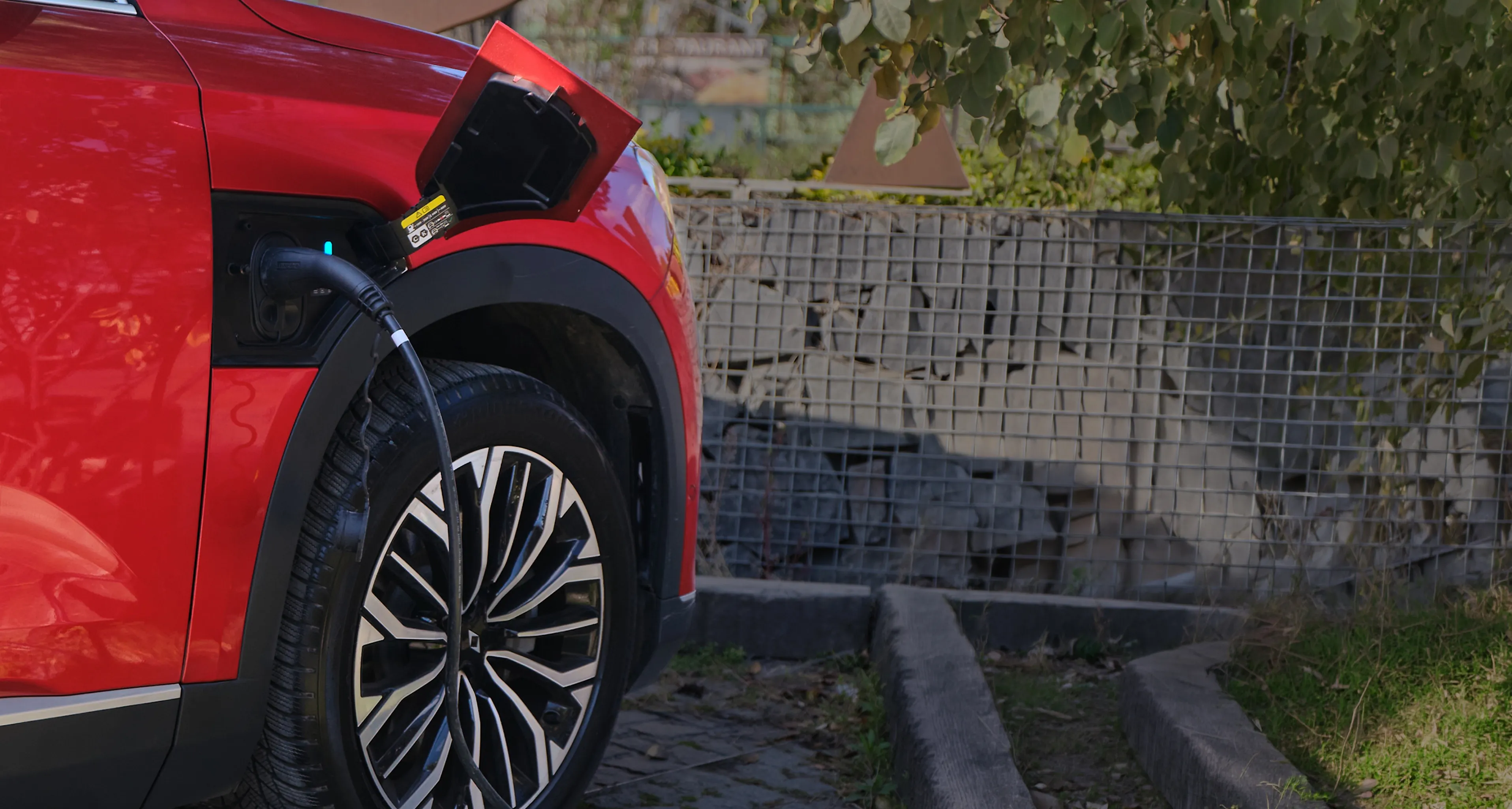
AutoCharge Feature
With the AutoCharge feature, you can complete a one-time setup and charge your device automatically in future sessions without additional steps.
Password-Free User Login
When logging into your Tru.ID profile, you can optionally remove the password requirement if you choose not to use the facial recognition feature.
Renewed TruStore Interface
The renewed interface enhances and enriches your TruStore experience.
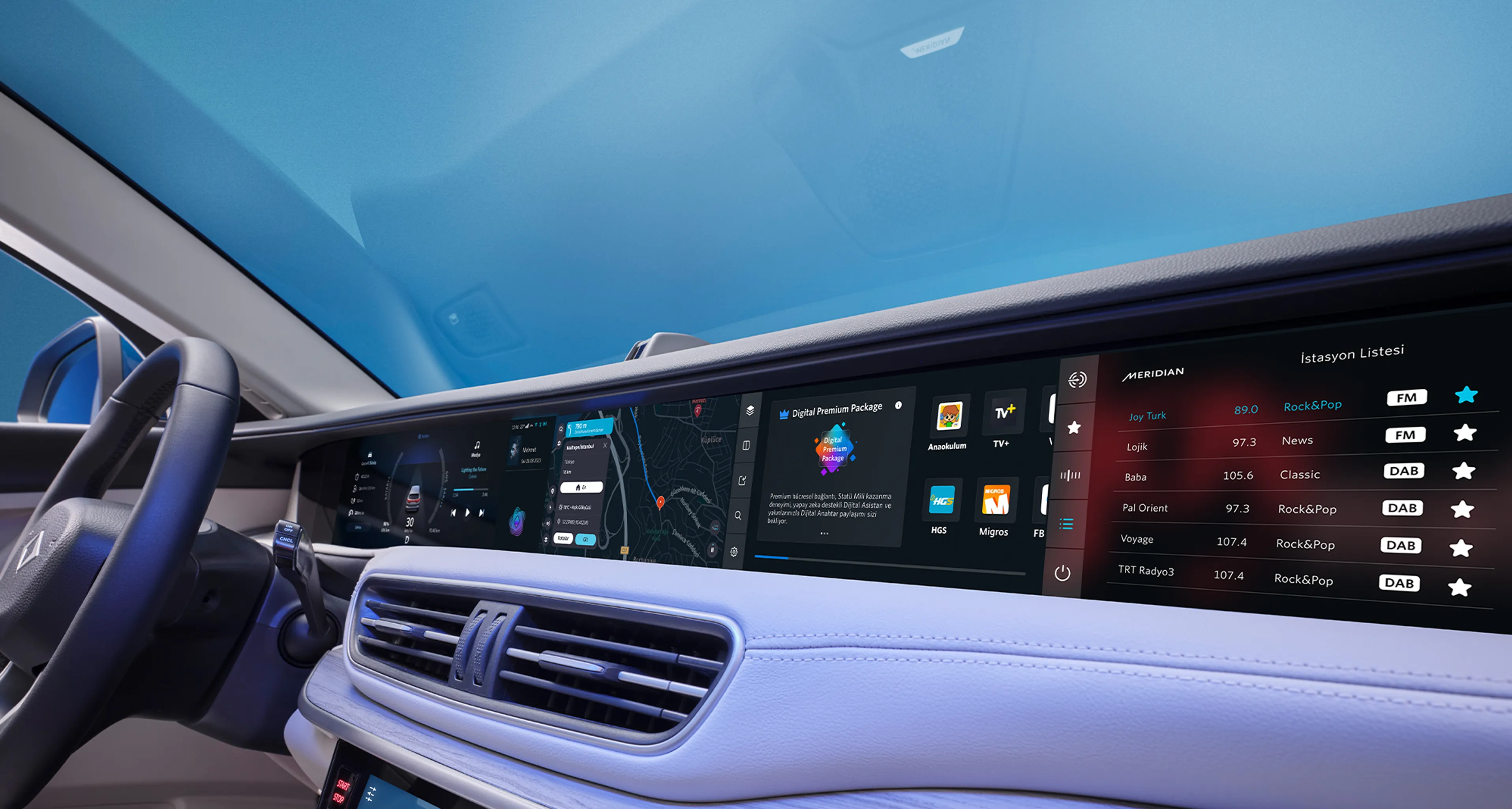
Automatic Radio Station Update
Provides a seamless radio experience without interference or signal loss.
Audio System Performance Improvements
Offers a smooth and uninterrupted listening experience throughout your journey.
Application Performance Improvements
Provides improvements within the application experience and seamless transitions between applications.
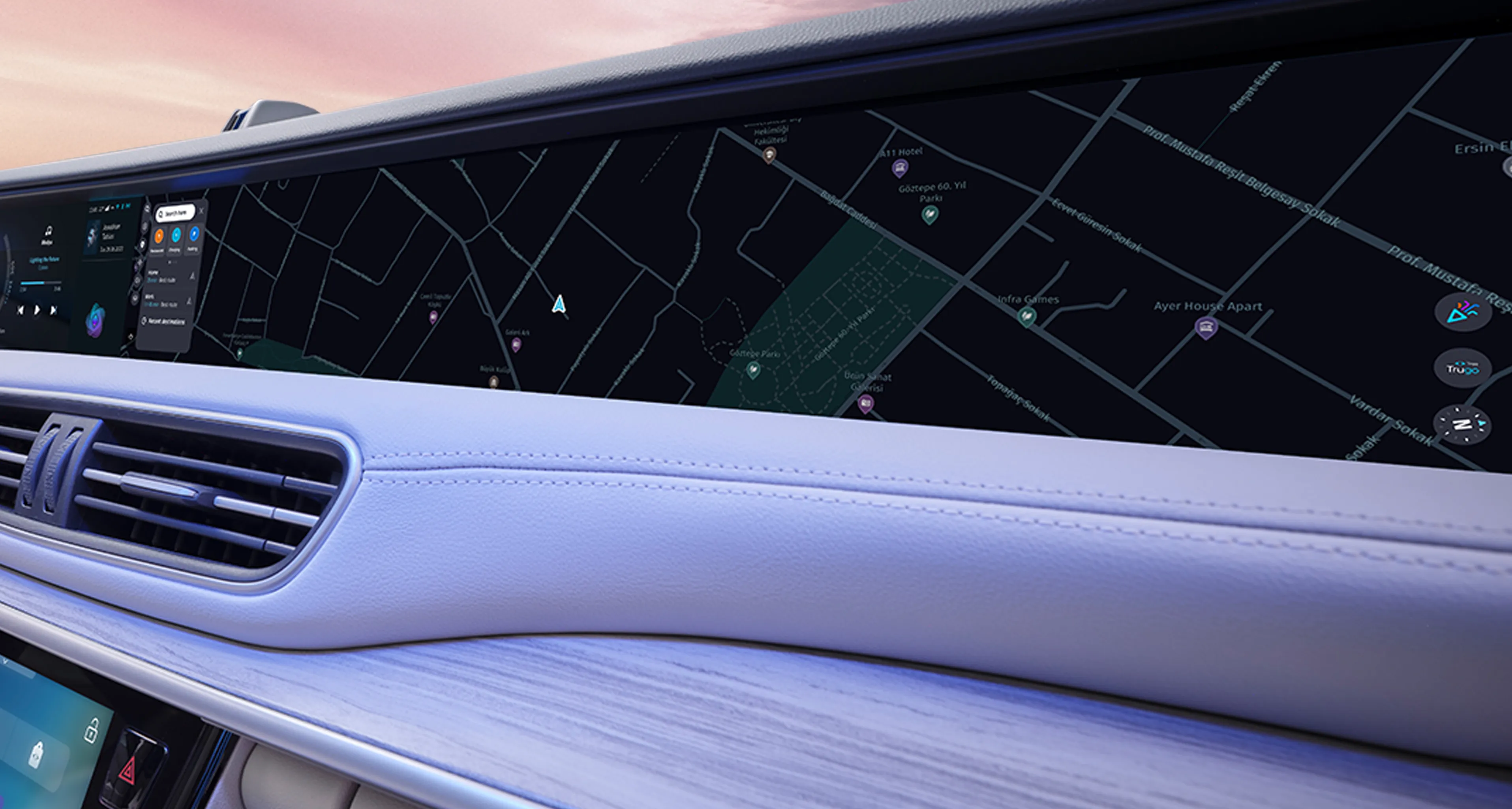
Full-Screen Compatibility with the New Navigation Application
With a single tap, your navigation application fills the entire screen, allowing you to follow your route more comfortably.
360° Camera Image Quality Improvements
Provides clearer camera images and seamless transitions between viewing angles.
Software Improvements in Braking and Road Holding Functions
Wiper Performance Enhancements
Before starting the update, please ensure that your smart device’s battery level is above 20%, the vehicle battery level is above 70%, and the vehicle is in “Accessory Mode.” After each update, it may take up to 15 minutes for the new update to be fully activated on your device.
• Depending on your device’s current software version and the speed of your internet connection, the total installation time may take up to 3 hours.
• To complete the update, the “Digital Premium Package”, which includes the required internet quota, will be automatically activated on your device for 1 month within the same day.
For devices that already have an active Digital Premium Package subscription, the subscription period will be extended by an additional 1 month.
• After the update, to use the face recognition feature, please delete the previously learned face data under your profile and perform the face learning process again.
• After the update, opening TruStore once on the home screen will allow the updated applications to be displayed.
• Once the software update is completed, when you restart your device for the second time, the ADA and ACC features are expected to be reactivated within the same day.
The TruOS update is being rolled out gradually to smart devices according to the delivery order. It is planned that the update will be completed for all devices within approximately 3 months.